Documentation Index

Fetch the complete documentation index at: https://docs-linescan.alliedvision.com/llms.txt

Use this file to discover all available pages before exploring further.

Adjust the lens

Prev Next
  1. Place a line pattern target under the camera.
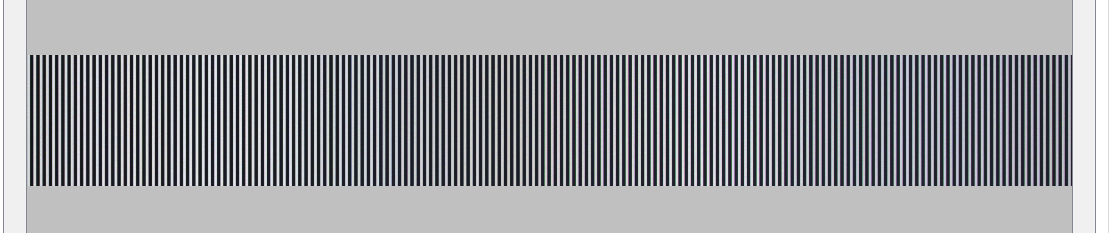
  2. Acquire an image which looks like this.

getting-started-image-xeg00axb
  1. Click on the plus sign in the right window to add a new tab.
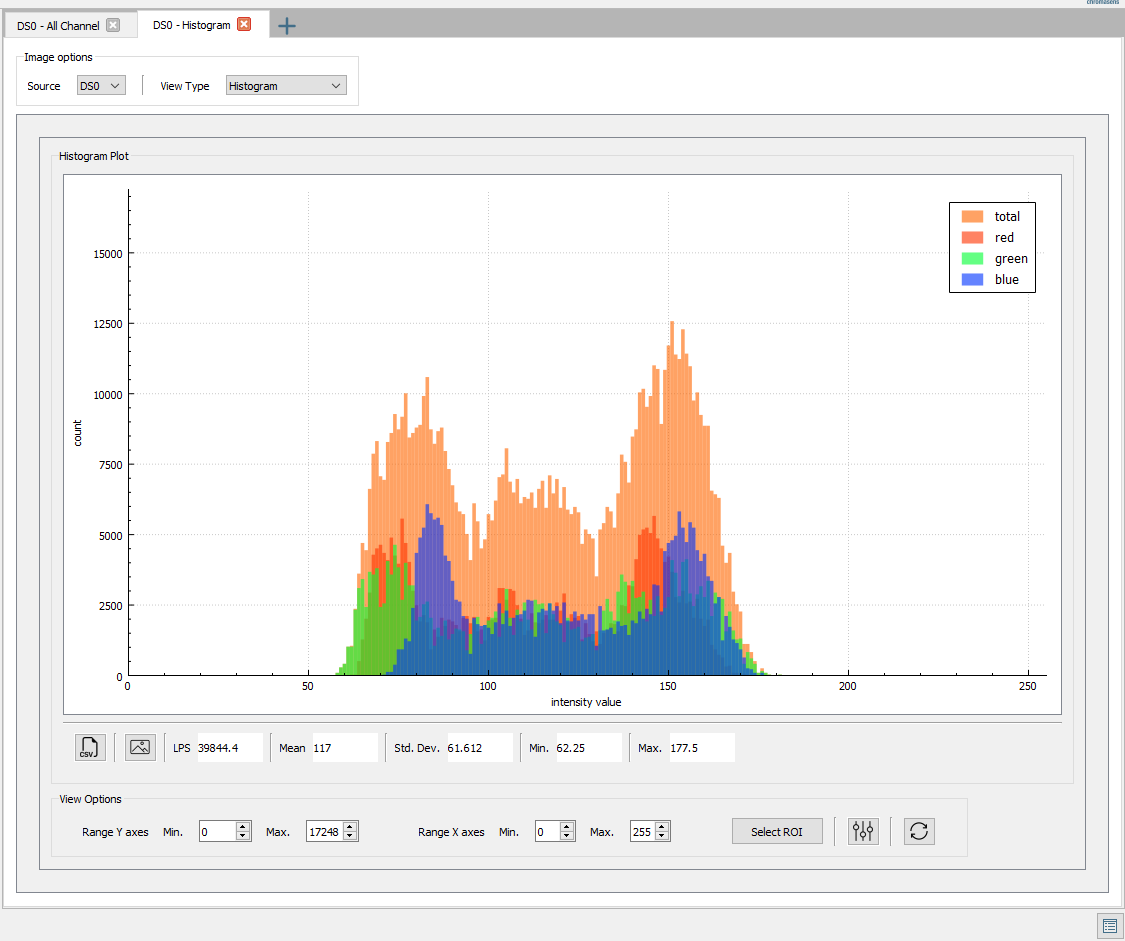
  2. Select Histogram.

The values of intensity are spread between 60 – 170.


getting-started-image-uk6iywy0
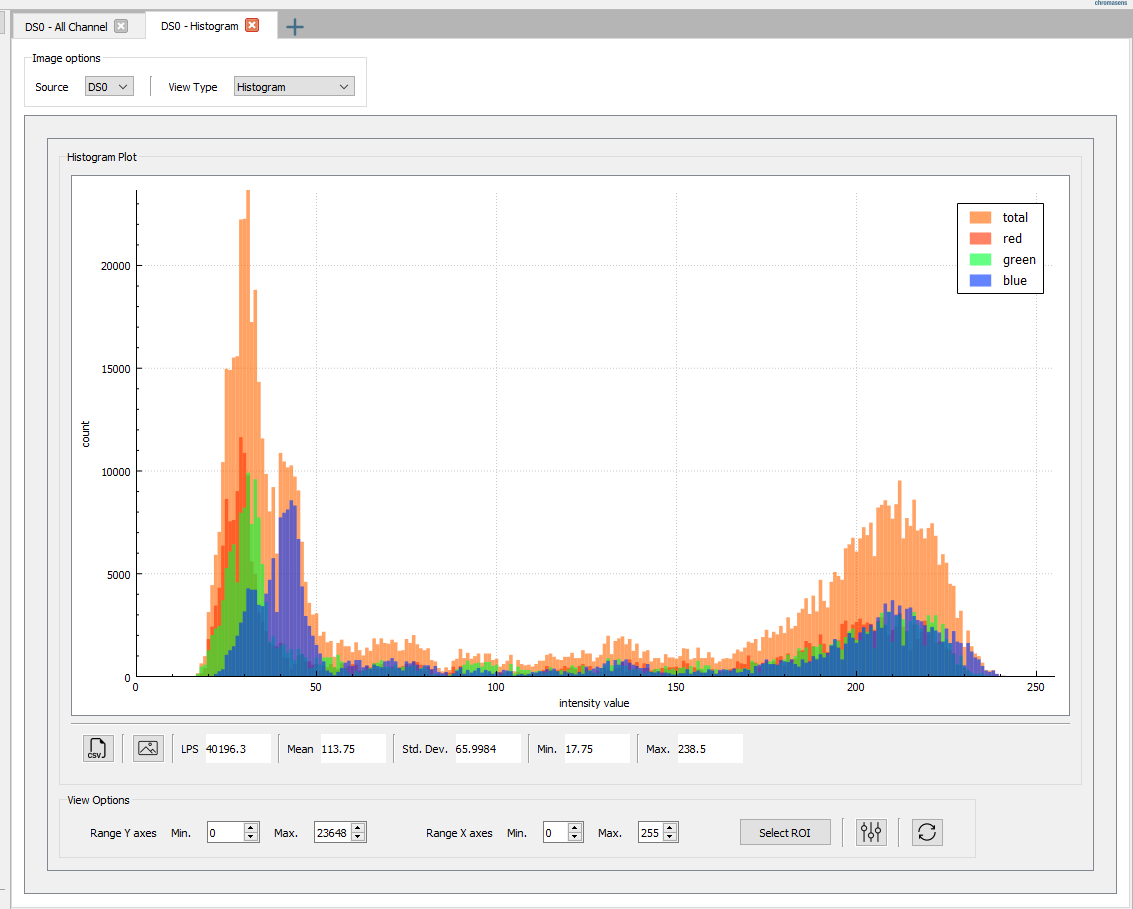
  1. Adjust the lens to achieve the values spread in the whole spectrum.
getting-started-image-gfrc6537
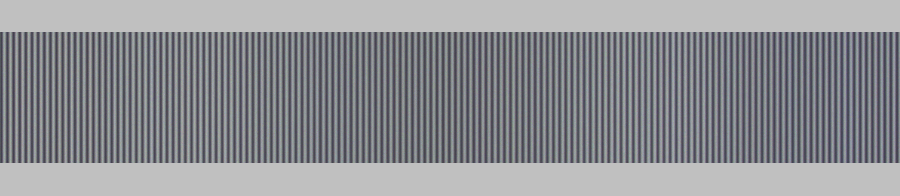
The image of the line pattern has a high contrast.getting-started-image-ka7cvbrv